Sign in / Sign up
The Claim button checks your sign-in status first. If you are not signed in, sign in or create an account.
Verify your school email to get 3 months of Premium free. Invite classmates and unlock up to 12 months.

Sign in first, then click Claim again to verify your school email. You will receive only one redemption code.
The Claim button checks your sign-in status first. If you are not signed in, sign in or create an account.
After signing in, return to the campaign page and click Claim again to start school email verification.
Get a 3-month code now, or join a 3-day sprint for more months.
Only one code is issued. Enter it in Personal Center in the client.
After verification, choose one path. Instant claim issues the code now; the 3-day sprint issues it when the sprint ends. Invites only affect the number of sprint months — never a second code.
No personal progress is shown before verification. Invites count only after you join the sprint.
Lightweight, unobtrusive protection that keeps up with student life.

Keep course files, chats and browsing history private.

Detect viruses, trojans and malicious downloads before they reach your device.
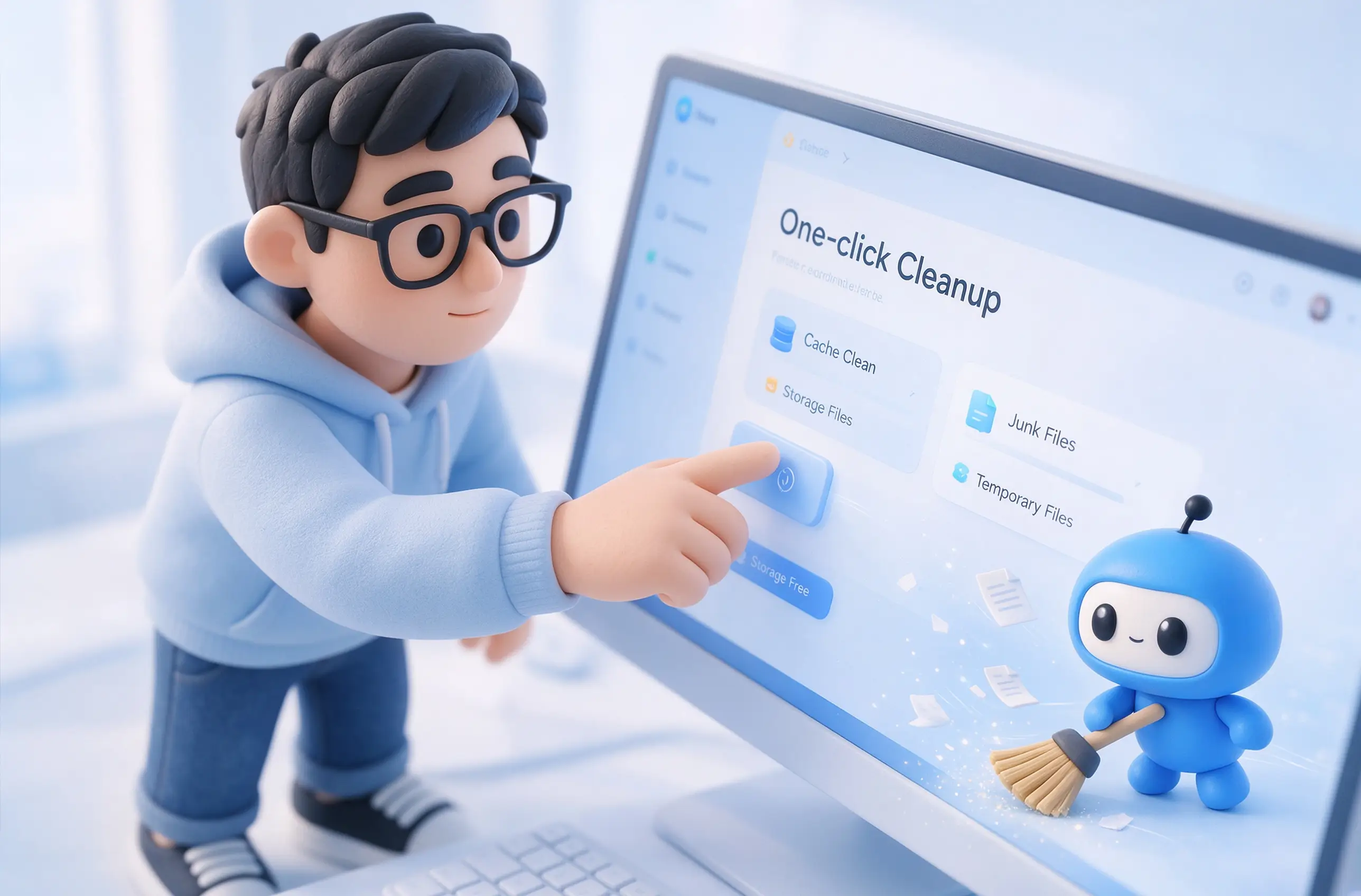
Clear cache, installers and junk files to make room for a new semester.

Free up background resources for smoother gaming, streaming and online classes.
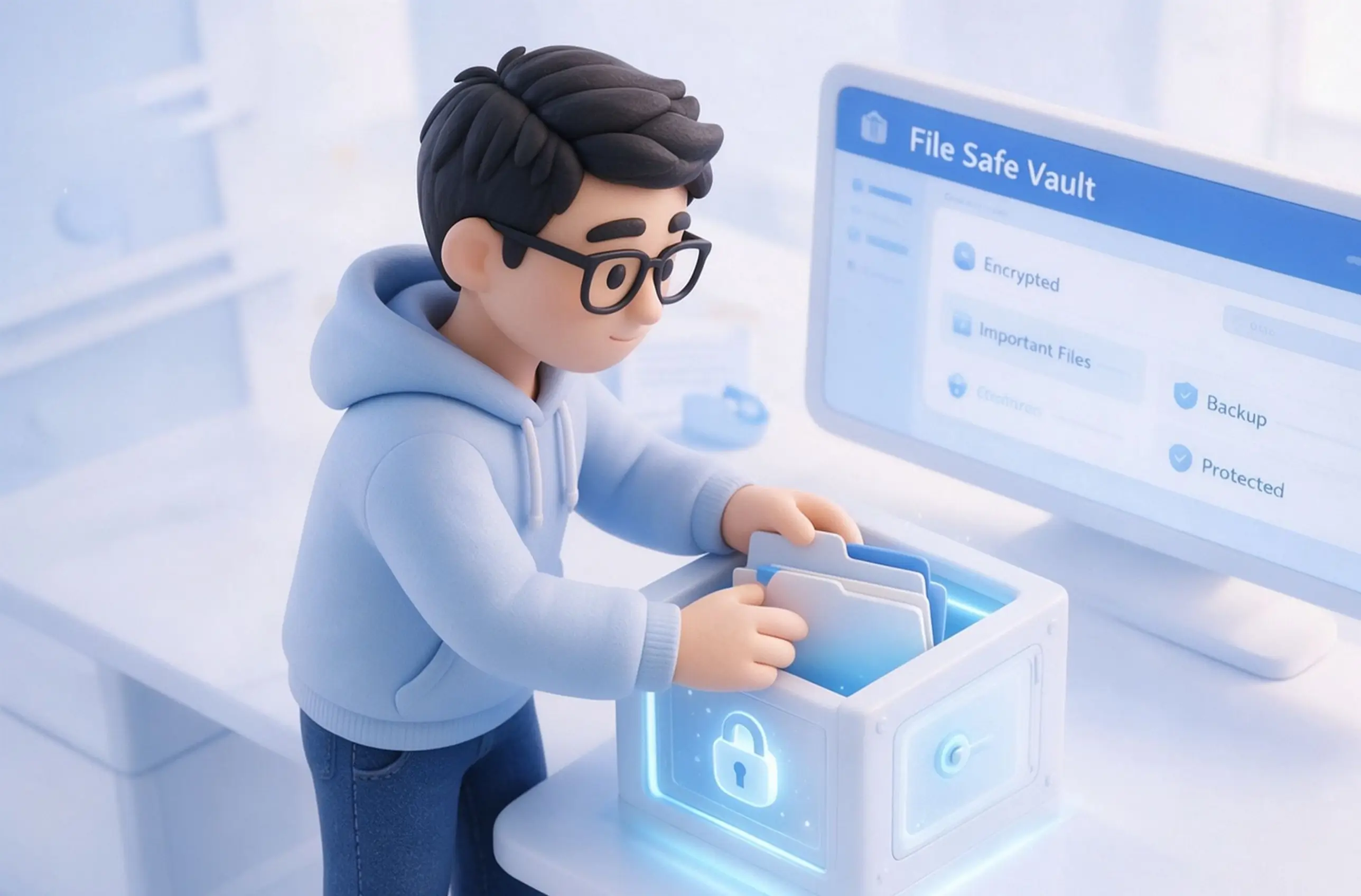
Keep papers, projects and photos protected, even if your device is lost.
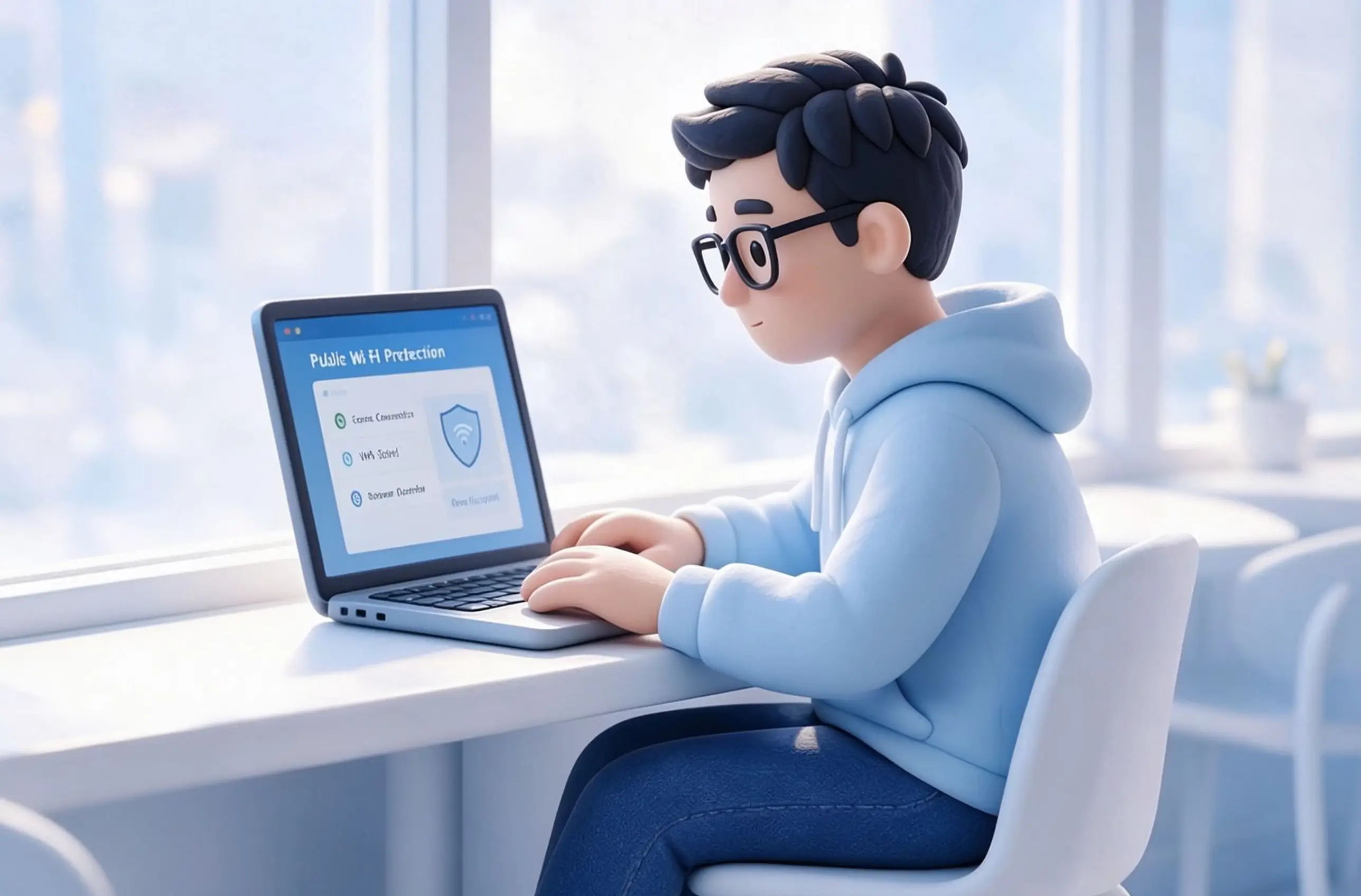
Stay safer on dorm, library and café networks with protection against suspicious links.
Start with the FAQs, then open the full campaign rules, privacy policy, and terms of service.
College, graduate, and vocational students can participate with a valid school email address.
After verification, choose 3 months instantly or join a 3-day sprint that determines 3–12 months. Either path issues only one code.
Instant path: one code immediately after confirmation. Sprint path: one code after 72 hours, with a minimum of 3 months.
This is a limited-time campaign. Check the campaign page for the displayed end date and claim your reward before then.
If you have any issues, please contact zhongchao1@360.cn for support.